The record is the product
One scan is close to free. Dated evidence that a problem was found on a Tuesday and closed three weeks later is the thing an auditor asks for — and the thing you cannot produce after the fact.


European Accessibility Act · applies since 28 June 2025
Skiplink checks your pages against WCAG 2.1 AA — the bar your site is held to today — and keeps a dated record.
 Get the extension
 Figma plugin
Soon
Figma plugin
Soon
The date the Act began to apply to new products and services placed on the EU market. It is behind us.
The upper limit on a single penalty in Germany's implementing law. Each member state sets its own.
Staff — and under €2m turnover. Both, not either. That is the whole microenterprise exemption for services.
Where the chain actually ends. Tools that report you against 2.2 are measuring you on a bar nobody is enforcing yet.
Sources: Directive (EU) 2019/882, Articles 4 and 31, and Annex I; Barrierefreiheitsstärkungsgesetz (BFSG) § 37; EN 301 549 v3.2.1, clause 9. These describe the legal landscape, not your own exposure, and Skiplink does not give legal advice. See the full chain.
Evidence you can hand over
Most tools hand you a ratio. A ratio on its own settles nothing — the argument is always about what it was supposed to be. So every measurement Skiplink reports travels with the threshold it missed.
measured against a required 4.5:1 Fails 1.4.3
The same calculation the extension runs, running here in your browser. Nothing you type leaves the page.
The same rule holds everywhere. Touch targets are reported in pixels against the size they needed, and a check the engine could not decide is printed under Not covered by this audit instead of quietly leaving the total.
What your client is actually held to
Newer sounds safer, so teams report against WCAG 2.2 and quietly measure themselves on a bar nobody is enforcing. The chain from the law to the criteria is three links long and worth knowing before you buy anything.
Applies to new products and services placed on the EU market from 28 June 2025. It sets the obligation — it does not list a single check.
The version currently cited. This is the document an enforcement body and a procurement officer open, and its web chapter does not write its own rules.
Level A and AA together. Everything above resolves to this, which is why it is the number on every Skiplink report.
Counts are of the criteria Skiplink maps; a criterion with no reliable automated test is printed as a stated limit rather than a pass. When the cited version of EN 301 549 moves to WCAG 2.2, nothing about your account changes — the 2.2 findings are already in your history, so the record does not restart on the day the bar does. This is a description of how the documents reference one another, not legal advice.
What you get
One scan is close to free. Dated evidence that a problem was found on a Tuesday and closed three weeks later is the thing an auditor asks for — and the thing you cannot produce after the fact.
The manifest lists no site. The extension is injected into the tab you are on when you press the button, and not before. Pages behind a login are audited in your own session; only findings leave the browser.
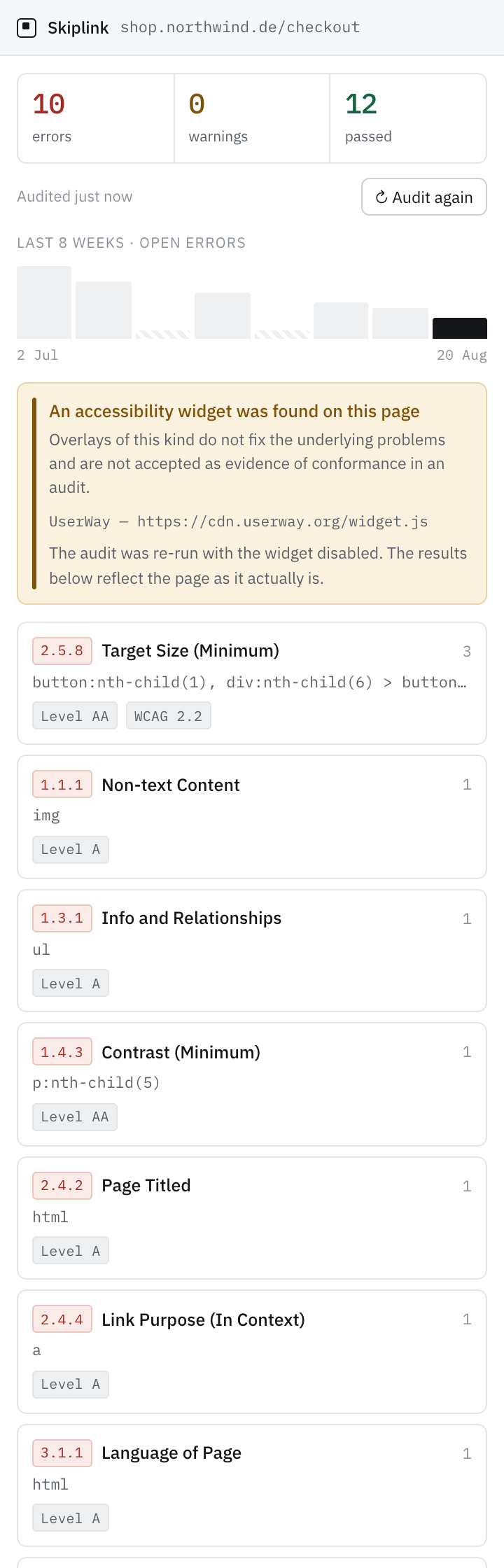
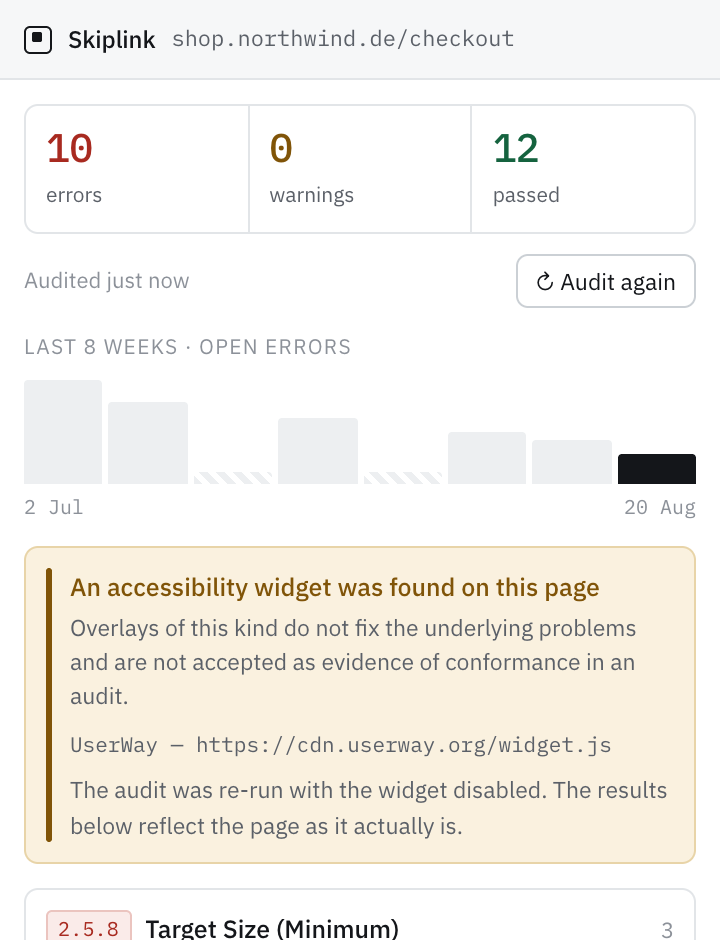
If an accessibility widget is on the page, Skiplink says so, then re-runs the audit with it disabled so you see the site underneath.
Up to 500 pages from our side, one at a time. The crawler reads
robots.txt before anything else, honours
Crawl-delay however long it is, and identifies itself so
a site owner can recognise and block it.
An email when a criterion starts failing, or a page stops loading. Not when a count creeps up on a problem you already know about — an alert that arrives every week is one nobody opens.
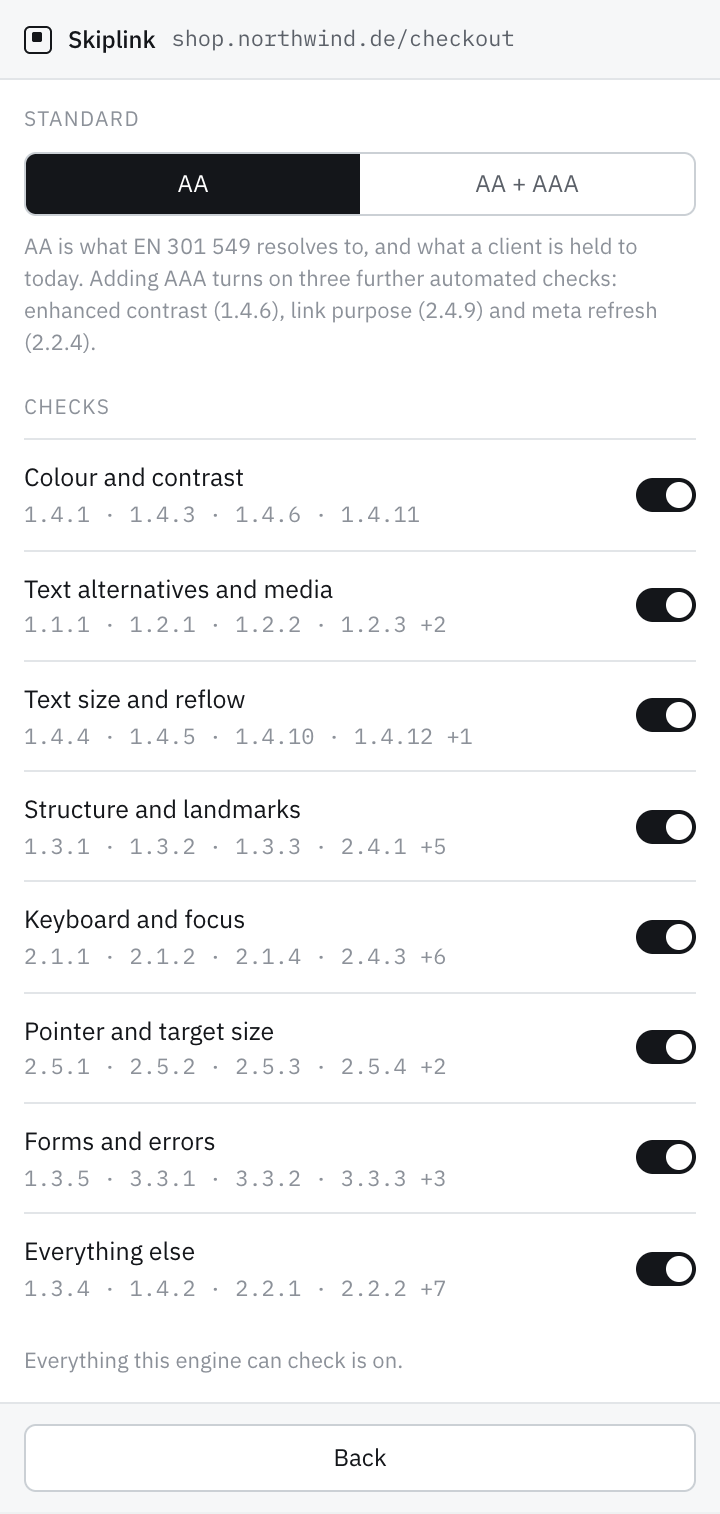
Switch groups of checks off if your client only cares about some of them. Every audit then says which ones — on screen, in the export and on the shared report.
Numbered flags on the page itself, in the same order as the report. It ends the "which button did you mean" thread.
Audit, history, HTML and CSV export need no account. Sign-in exists for sharing and monitoring, and for nothing else.
What you pay for
A one-off scan is a commodity — the same engine ships inside Chrome's own developer tools, and we are not going to charge you for something you can already run for nothing. What nobody can do by hand is re-check a site every week for a year and know the Tuesday something broke.
You should use them. Lighthouse and axe DevTools run much the same checks this does, and detection is not what a plan is for. Three things a panel in your browser cannot do, though, however good it is:
The specifics
Where we draw the line
These are settled. Changing any of them takes a written argument, because each one is somebody else's shortcut and all of them cost trust.
That category lost its reputation, and regulators increasingly read the presence of one as a signal that the site underneath was never fixed.
Not on a screen, not in a report, not on this page. Automated checks cover part of WCAG and no honest tool can say more. A test in our build fails if that language ever appears.
Skiplink finds the problem and tells you how to fix it. We do not touch your customer's site, ever.
Eight checks ship disabled in the engine we build on; we turn all eight back on. Anything undecidable is printed as a stated limit rather than dropped from the total.
Only findings extracted from public pages are stored. The page markup is stripped before upload — in the extension, and again on the server.
You do the expert work; we give you the tool and the record. We are not quietly competing with your own consultants.
Security and privacy
Data is stored in Frankfurt and mail is sent from Ireland. Both providers are US-incorporated, which is what standard contractual clauses exist for — we would rather write that sentence than one that sounds better and is harder to defend. Details on privacy and sub-processors. There is no cookie banner on this site because there is nothing to consent to.
Pricing
A plan attaches to your account, and your account lives in the extension — so that is where you upgrade, from the screen that told you about the limit. Prices are per month, cancel any time, and the first fourteen days are refundable without a reason.
Install it, sign in, and the upgrade is on the screen that tells you about a limit. Payment is handled by Polar, our reseller.
Install it, sign in, and the upgrade is on the screen that tells you about a limit. Payment is handled by Polar, our reseller.
The free tier is real and enforced today — the only thing it counts is watched sites. The paid tiers are not buyable yet; if one of them is what you need, say so and you will hear when it exists.
Where it runs
The same rules, at the two moments they are cheapest to act on: before a screen is built, and after it is live.
Audit the page you are on, mark the findings on it, watch the site weekly and share the report. Everything described above is this.
Free and unlimited · no site permissions Install itContrast, target size and alternative text checked on the frame, before anyone writes the markup. Designed, not built — we would rather say that than ship a button that does nothing.
In designOne message, from a person. Your address reaches our inbox and is kept nowhere else.
The part we cannot fake
This site and the product are checked by Skiplink itself on every build — each page, at desktop and phone width, in light and in dark. A single error-severity finding anywhere fails the build, and a check we decide not to count has to be printed with the reason. Nothing you are reading shipped without passing that.
It is also how the contrast of this page's own captions got fixed: our own suggester returned the replacement. A company selling accessibility auditing that does not run its auditor over itself is telling you what it thinks the tool is worth.
The EAA has been in force since June 2025
Enforcement began in 2026 and the first warnings have landed. If this has arrived on your desk, we would like to hear how you answer it today — and you get early access in return.